Create a BookBub Author Page

How to create a BookBub Author account

BookBub 

Get discovered by BookBub readers 
An Author Profile helps readers find you and your books in one central place, improving long-term visibility.

Control your author page 
Claiming your profile allows you to present accurate, consistent details, such as your bio, links, and book listings across the platform.

Turn followers into sales 
BookBub can email your followers when you launch a new book, so your next release gets instant visibility with people who already want to hear from you.

Build momentum for launches and preorders
BookBub’s follower ecosystem supports early awareness for upcoming titles, helping you drive interest before publication day.

Support promotional efforts with stronger audience growth
A claimed, well maintained profile can enhance the effectiveness of promotions by making it easier for new readers to follow you and stay engaged over time.


New to BookBub? Here’s How to Make an Account

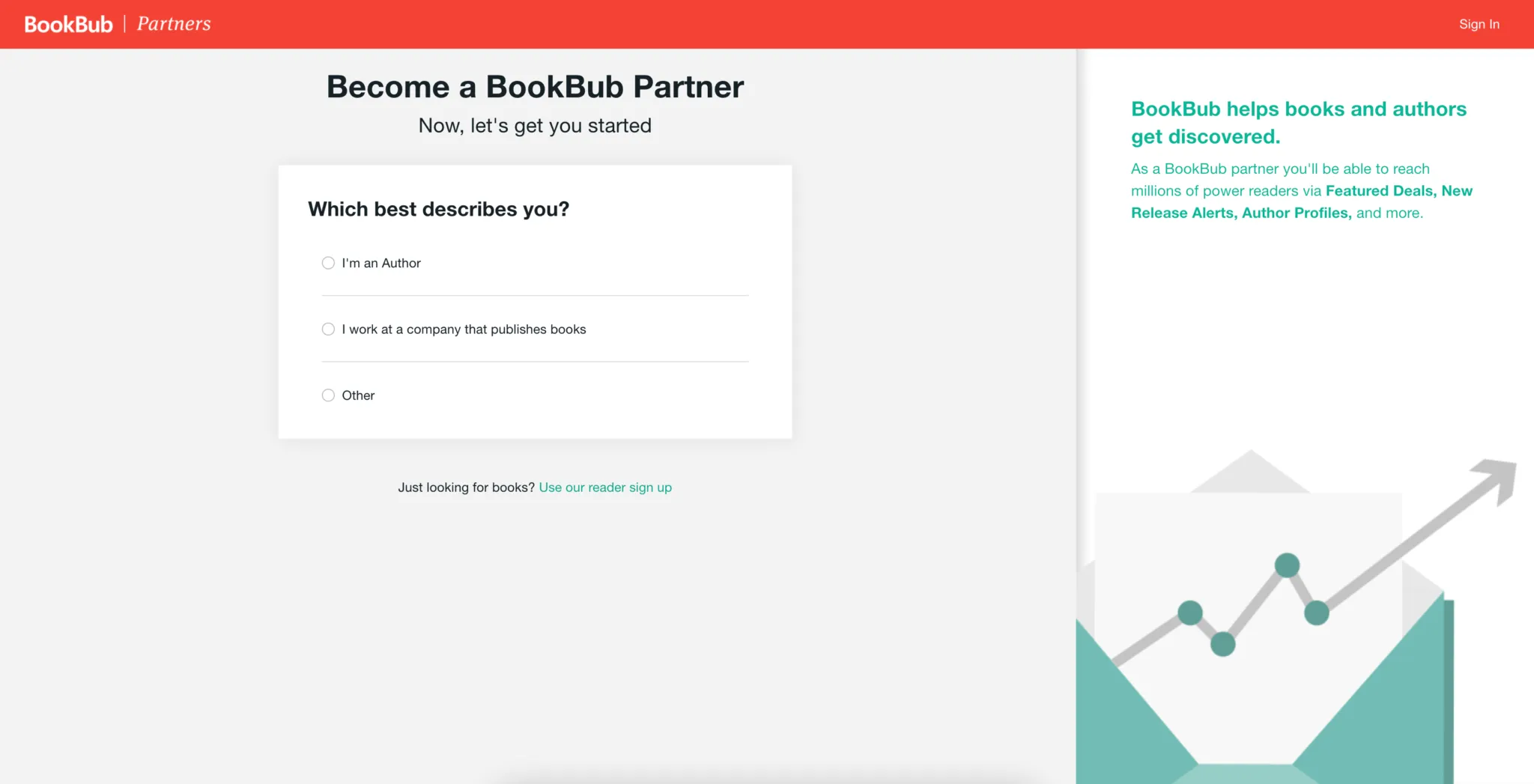
BookBub Author Signup BeBookSharp

Create your account using email and password then complete the signup form. Choose your role as an Author so BookBub knows your role and dashboard will be set up for author tools.

Finish the signup and log in to the Partner Dashboard 

BookBub Partners Sign in BeBookSharp

Author Setup


  • In the Partner Dashboard, look for the option to Claim an Author Profile.
  • Search for your author name and submit the claim through the dashboard. 

  • BookBub manually reviews claims such as identity and accuracy, It can take up to 7 days.

  • Multiple pen names: Use a separate email / Partner Dashboard account for each author name to manage each Author Profile. 

  • If you’re waiting longer than a week after a claim, BookBub recommends contacting their team.

Important limitation: BookBub notes that claiming Author Profiles is currently limited to authors with ebooks on supported retailers in the US (Amazon, Apple, Barnes & Noble, Google, Kobo)


Complete your profile (after approval)

  • Once approved, you can add a photo, bio, and edit your book data.

  • If a book is missing, use Add Book and search by title / author / ASIN / ISBN (BookBub can list ebooks only)

BookBub Guide For Authors with BeBookSharp

tips


Profile Check

Add a clear author bio, high quality headshot, and consistent branding. Make sure your books are properly linked to your author profile.

Claim and verify every book edition

Check that each title has the correct cover, description, categories, and retailer links. Fix mismatches early so your promos and ads point to the right pages.

Study The Readers

Watch what readers respond to such as clicks, follows, sales lift and read through. Small improvements to cover, blurb, pricing, or targeting usually beat frequent big changes.

Polish your book metadata
Double-check categories, keywords, and comp titles. Accurate metadata helps your book reach the right readers in ads and promotions.


I hope this guide was beneficial for you, and don’t forget, BeBookSharp have lots of promotional opportunities to help you expand your author and book’s popularity, exposure, and success. Drop me a line today and I’ll be happy to forward details of exactly how we can help.

Warmest regards,

Kathy K.

This email address is being protected from spambots. You need JavaScript enabled to view it.

TO TOP